Tactile Switches
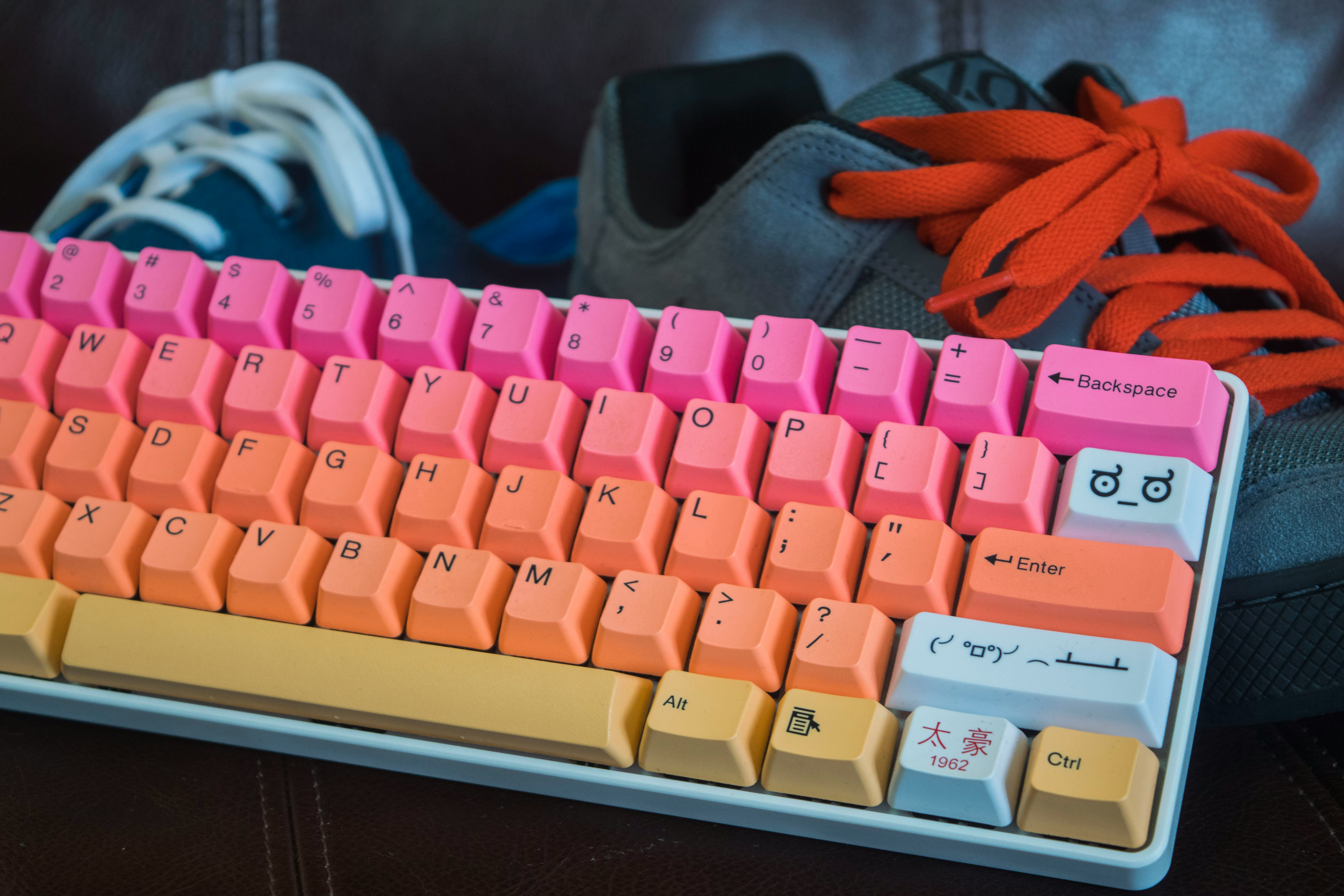
Tactile switches feature a noticeable bump at the actuation point without producing a click sound. This subtle physical feedback lets you know exactly when a keypress has registered, reducing the need to bottom out keys and potentially increasing typing speed and accuracy. Tactile switches are widely regarded as the best all-around option for users who split their time between typing and gaming.
The tactile bump varies significantly between different tactile switches. Some, like Cherry MX Browns, have a very subtle bump that's barely noticeable. Others, like Drop Holy Pandas or Boba U4Ts, have a pronounced, sharp tactile event that feels almost like a snap.
This variety means there's a tactile switch for every preference, from gentle feedback that's close to linear to aggressive tactility that approaches clicky levels of feedback without the noise.
Characteristics
- Distinct tactile bump at the actuation point
- No audible click — feedback is purely physical
- Typically 45-67g actuation force with varying bump intensity
- Excellent for programming and long typing sessions
- More versatile than linear or clicky for mixed-use scenarios
Best For
Programming and coding are where tactile switches truly excel. The tactile bump provides clear feedback when each keystroke registers, helping programmers maintain rhythm and confidence during long coding sessions. The bump also helps prevent accidental keypresses, which is particularly valuable when working with complex keybindings in IDEs or terminal environments.
Long typing sessions benefit enormously from tactile feedback. The bump allows you to type without bottoming out each key, reducing finger strain and fatigue over extended writing periods. Writers, journalists, and anyone who spends hours typing will appreciate how tactile switches help maintain accuracy while being significantly quieter than clicky alternatives — making them office and shared-workspace friendly.
Related Switch Types
Frequently Asked Questions
Are tactile switches good for gaming?
Tactile switches can work consistently well for gaming, especially for games that don't require ultra-fast repeated key taps. Many gamers enjoy the feedback for MOBAs, MMOs, and single-player games where precise ability timing matters. However, for competitive FPS games where milliseconds count, linear switches are generally preferred because the tactile bump can create a slight delay in key release and re-press cycles.
What's the difference between Cherry MX Brown and other tactile switches?
Cherry MX Browns are known for having a very subtle, almost sandy tactile bump that many enthusiasts describe as feeling more like a scratchy linear than a true tactile switch. Premium tactile switches like Gateron Baby Kangaroos, Durock T1s, or Boba U4Ts offer much more pronounced and satisfying tactile events. If you're trying tactile for the first time and find Browns underwhelming, don't write off tactiles entirely — try a more premium option with a sharper bump.