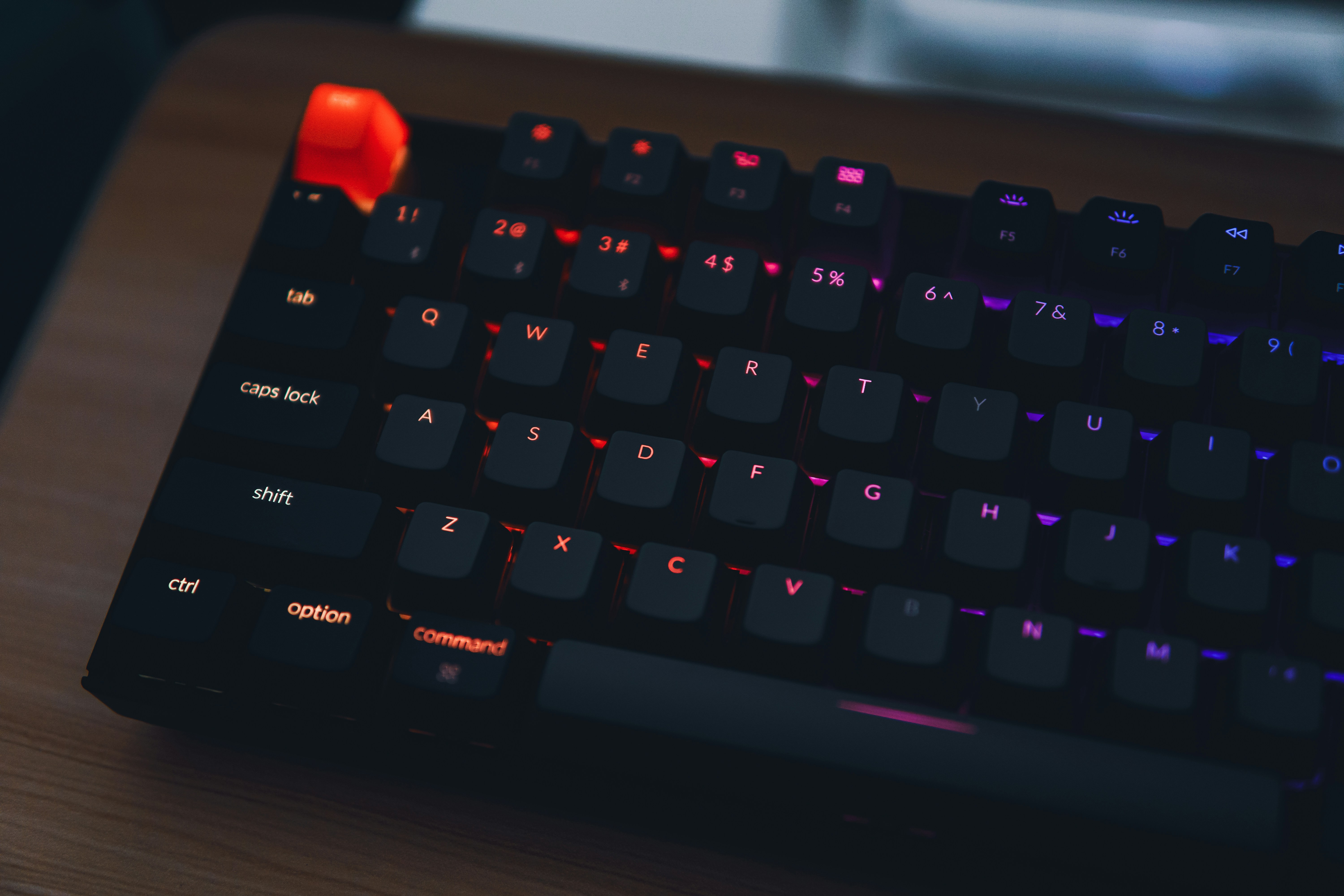
Wooting 80HE
The benchmark. Rapid Trigger, Analog Input, 8K Hz polling rate, and web-based software — the complete package.

Corsair Vanguard 96
96% compact layout with Corsair MGX switches. Deep iCUE ecosystem integration and versatile all-around performance.
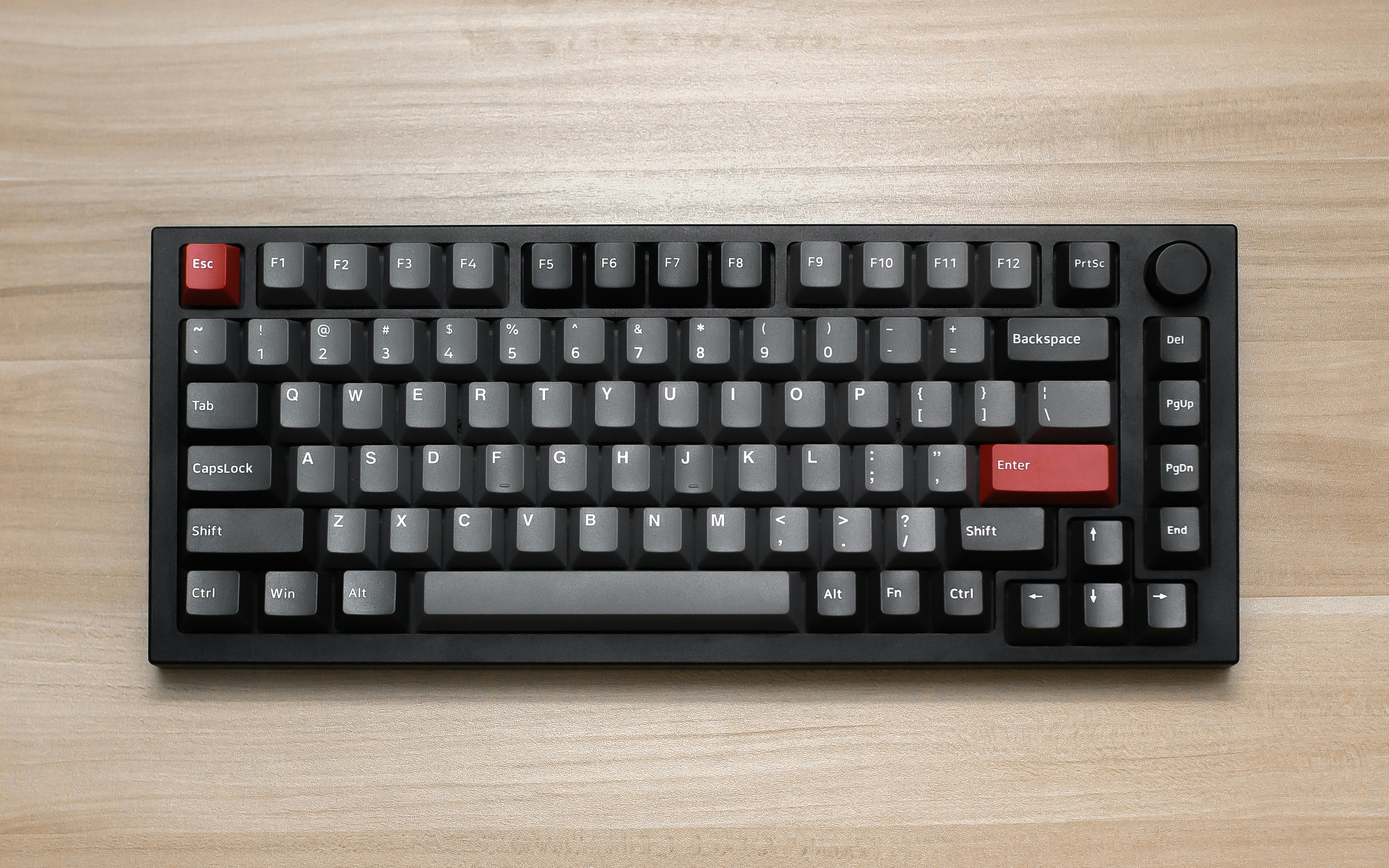
Razer BlackWidow V4 Pro
Full-size with Razer Synapse integration, Command Dial knob, and 8000Hz polling rate.
Specs Comparison
| Spec | Wooting 80HE | Corsair Vanguard 96 | Razer BlackWidow V4 Pro |
|---|---|---|---|
| Price | $199 | $199 | $229 |
| Layout | 80% | 96% | Full-size |
| Switch Type | Lekker HE | Corsair MGX | Razer Analog Optical |
| Polling Rate | 8000Hz | 8000Hz | 8000Hz |
| Adjustable Actuation | 0.1-4.0mm | 0.1-4.0mm | 1.5-3.6mm |
| Rapid Trigger | ✅ | ✅ | ✅ |
| Hot-swap | ✅ | ✅ | ❌ |
| Software | Wootility (Web) | Corsair Web Hub | Razer Synapse |
| Weight | 1.2kg | 1.1kg | 1.3kg |
| Analog Input | ✅ | ❌ | ❌ |
Switch Technology
All three keyboards use magnetic sensing, but the implementation differs. The Wooting 80HE uses Lekker HE switches that detect key position via Hall Effect sensors, achieving 0.1-4.0mm adjustable actuation across the full range. It is the only keyboard here with true Analog Input, allowing gradual throttle and brake control in racing games.
The Corsair Vanguard 96 uses MGX magnetic switches with the same 0.1-4.0mm actuation range. The typing feel is slightly more mechanical than the Lekker HE, with a firmer bottom-out, but it lacks Analog Input. For FPS gaming, the difference is negligible.
The Razer BlackWidow V4 Pro uses Razer Analog Optical switches with a 1.5-3.6mm actuation range. The optical sensing responds quickly, but the higher minimum actuation depth means it cannot match the 0.1mm hair-trigger response of the Wooting or Corsair for competitive play.
Gaming Performance
All three keyboards support 8000Hz polling rate and Rapid Trigger, putting them in the same tier for responsiveness. However, the Wooting 80HE has the widest actuation range (0.1mm minimum) and the most refined Rapid Trigger implementation. In CS2 and Valorant A-D strafing tests, the 80HE felt the most responsive, with no input delay or sticky movement.
The Corsair Vanguard 96 matches the 80HE in Rapid Trigger performance, with MGX switch response comparable to the Lekker HE. The 96% layout is an advantage for MMO and MOBA players who need the number row and navigation keys that the 80HE lacks. If you play both FPS and MMO, the Vanguard 96 offers more versatility.
The Razer BlackWidow V4 Pro has the largest limitation: its 1.5mm minimum actuation depth. For latency, the difference between 0.1mm and 1.5mm is perceptible in competitive play. However, for most players, 1.5mm is already fast enough. The Razer Synapse integration is a plus, but the full-size layout takes up significant desk space, limiting mouse movement for low-DPI FPS players.
Build Quality
The Wooting 80HE uses an aluminum top plate with a plastic bottom shell, but the build feels solid with no flex. The 80% layout strikes the best balance between compact size and functionality. The PBT double-shot keycaps are excellent — they resist shine, maintain texture, and hold up well over long-term use. The RGB is subtle and tasteful, not overwhelming.
The Corsair Vanguard 96 has the most premium build of the three. The full aluminum chassis is dense and well-machined. The 96% layout packs in all the keys of a full-size board in a more compact footprint. However, the ABS keycaps will develop shine over time with heavy use. The RGB is typically Corsair — vibrant and well-integrated with iCUE.
The Razer BlackWidow V4 Pro has a mixed build quality. The plastic chassis (with an aluminum top plate) doesn't feel as premium as the other two. The Command Dial knob and dedicated macro keys are useful additions. The PBT keycaps are decent but not exceptional. At $229, the build quality doesn't quite match the price compared to the other two options.
Software & Ecosystem
Software is a major differentiator for these keyboards. Wootility is the best of the three — it runs entirely in a web browser with no installation required, works on all platforms (Windows, Mac, Linux), and offers deep customization. You can adjust per-key actuation, Rapid Trigger sensitivity, analog input curves, and more. Profiles are stored in 4 slots of onboard memory, meaning your settings work without opening the software.
Corsair Web Hub is a newer web-based tool that mirrors Wootility's approach. It handles basic actuation and Rapid Trigger settings well, but advanced features still require the iCUE desktop application. The good news is that Corsair is moving toward full web-based configuration with Web Hub.
Razer Synapse is the most feature-rich but also the most bloated. It requires installation, an internet connection, and a Razer ID account. The software offers extensive customization — macros, lighting, integration with other Razer peripherals — but it only needs to be running for basic switch configuration. Synapse also has background processes that consume system resources, which is a drawback compared to the lightweight web-based alternatives.
Our Recommendations
Wooting 80HE
If you play FPS competitively (CS2, Valorant, Apex Legends), the Wooting 80HE is the clear choice. With 0.1mm actuation, Analog Input, and the best software in the business, it has no real equal for competitive gaming.
Corsair Vanguard 96
If you need both productivity and gaming, the 96% Vanguard 96 is the best all-rounder. It retains the number row and navigation keys that TKL boards lack, while the MGX switches deliver excellent typing feel and Corsair ecosystem integration.
Razer BlackWidow V4 Pro
If you already use Razer peripherals (mouse, headset), the BlackWidow V4 Pro completes the setup. It offers plenty of dedicated keys for MMO/MOBA, but its gaming performance doesn't match the other two for competitive FPS.